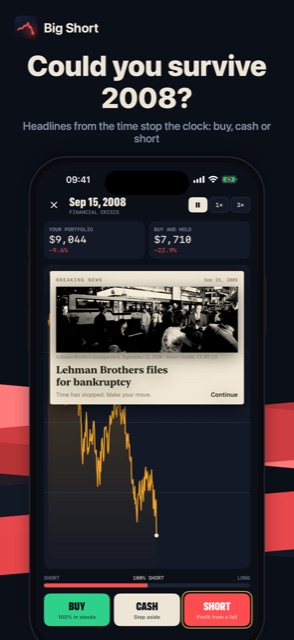
Could you survive 2008?
Headlines from the time stop the clock: buy, cash or short
 iOS and Android app
Survive real market crashes
Could you have survived 2008? Relive real stock market crashes day by day with $10,000 of virtual money and try to beat the market.
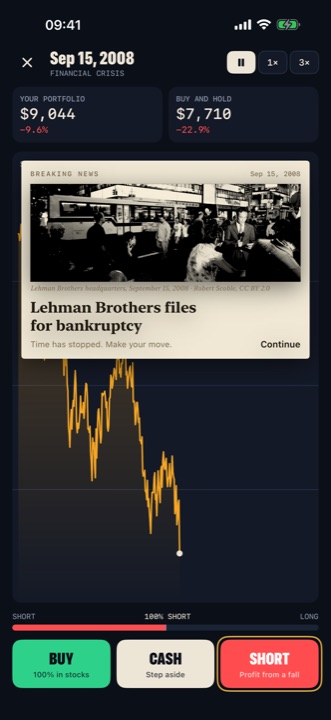
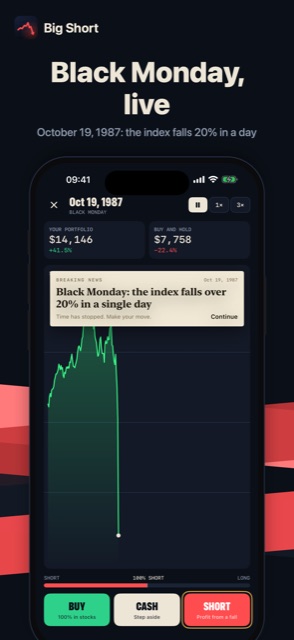
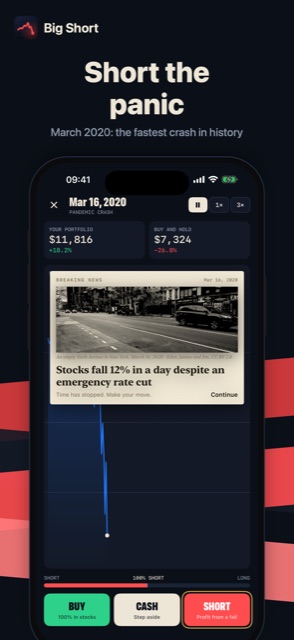
Headlines from the time stop the clock: buy, cash or short
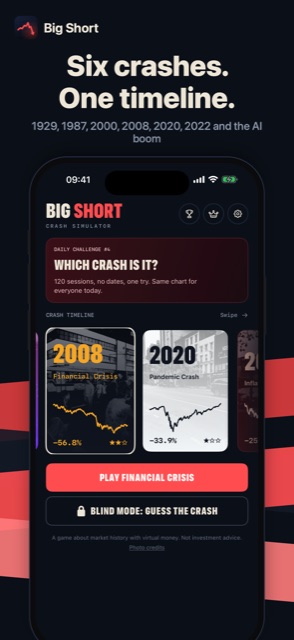
1929, 1987, 2000, 2008, 2020, 2022 and the AI boom
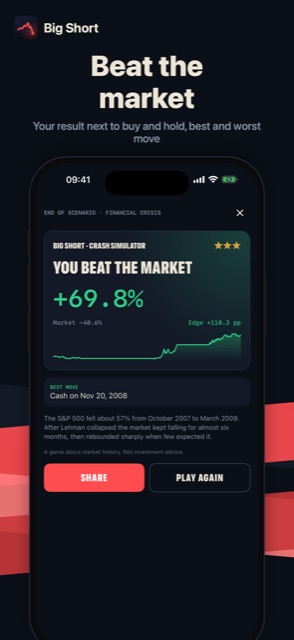
Your result next to buy and hold, best and worst move
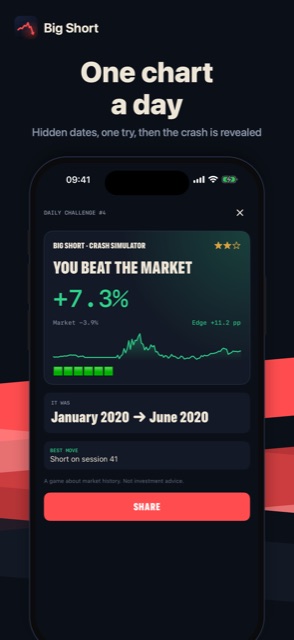
Hidden dates, one try, then the crash is revealed
October 19, 1987: the index falls 20% in a day
March 2020: the fastest crash in history
Open Settings → Remove ads in the App. It is a one-time purchase, ads are gone for good.
Go to Settings → Restore purchases in the App, signed in with the same Apple Account (on Android: Google Account) you used for the purchase.
In the App: Settings → Privacy choices. Tracking can also be managed in iOS: Settings → Privacy & Security → Tracking, and the advertising ID on Android: Settings → Privacy → Ads.
Only on your device: not on our servers. It moves to a new phone when you restore from an iCloud, Google or computer backup.
Refunds are handled by Apple: reportaproblem.apple.com. On Android: Google Play, Google Play refunds.
Write to us: we usually reply within a few days. Feature ideas are welcome too.