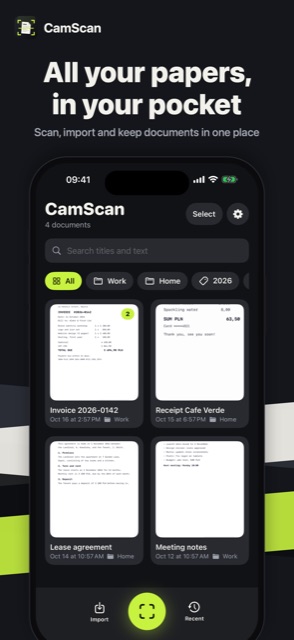
All your papers, in your pocket
Scan, import and keep documents in one place
 iOS and Android app
Scan, sign and search
Scan documents, receipts and notes with your camera, clean them up, sign them and share a searchable PDF. Everything stays on your phone.
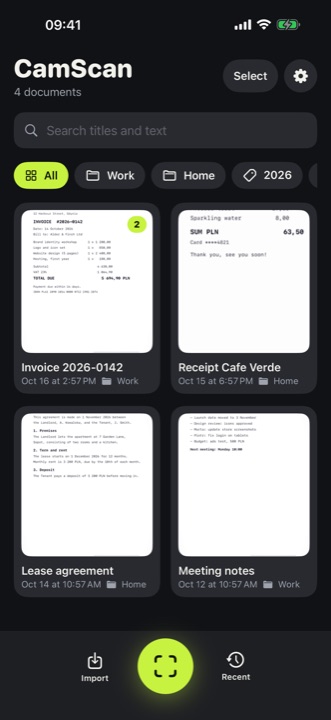
Scan, import and keep documents in one place
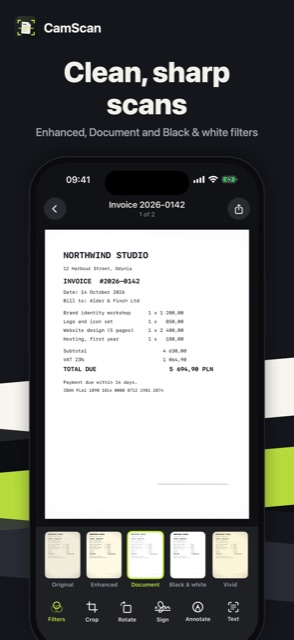
Enhanced, Document and Black & white filters
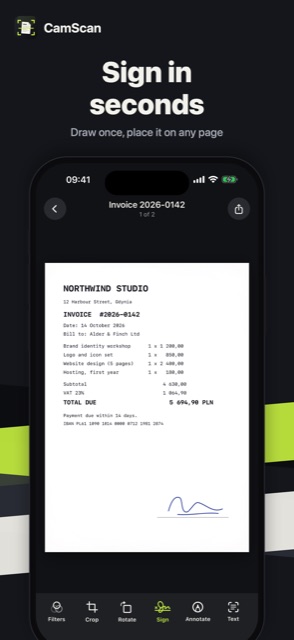
Draw once, place it on any page
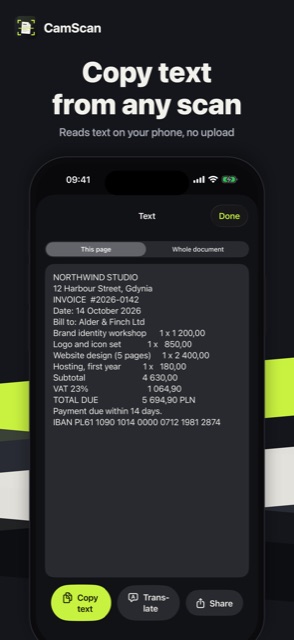
Reads text on your phone, no upload
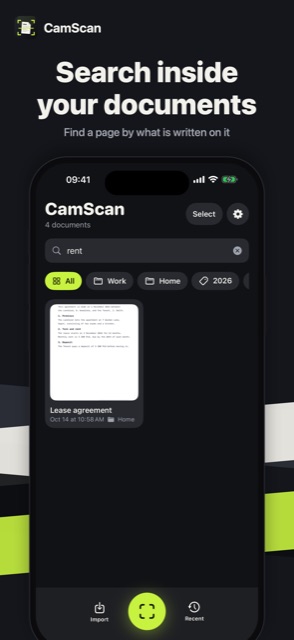
Find a page by what is written on it
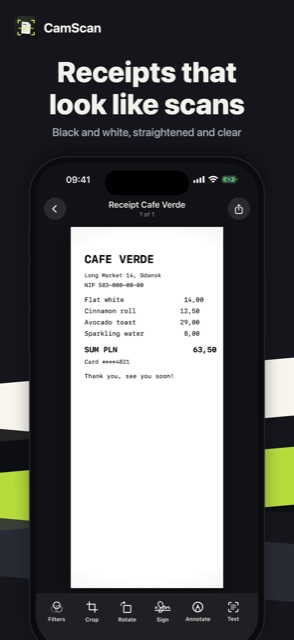
Black and white, straightened and clear
Open Settings → Remove ads in the App. It is a one-time purchase, ads are gone for good.
Go to Settings → Restore purchases in the App, signed in with the same Apple Account (on Android: Google Account) you used for the purchase.
In the App: Settings → Privacy choices. Tracking can also be managed in iOS: Settings → Privacy & Security → Tracking, and the advertising ID on Android: Settings → Privacy → Ads.
Only on your device: not on our servers. It moves to a new phone when you restore from an iCloud, Google or computer backup.
Refunds are handled by Apple: reportaproblem.apple.com. On Android: Google Play, Google Play refunds.
Write to us: we usually reply within a few days. Feature ideas are welcome too.