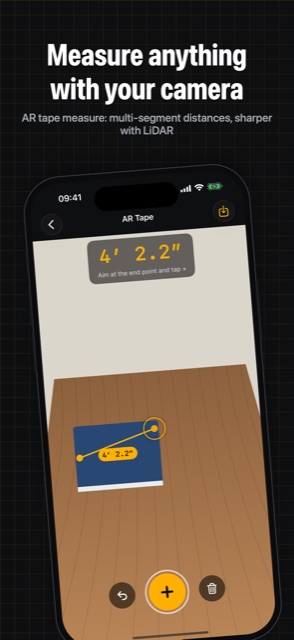
Measure anything with your camera
AR tape measure: multi-segment distances, sharper with LiDAR
 iOS and Android app
Ruler, AR tape, level, angle
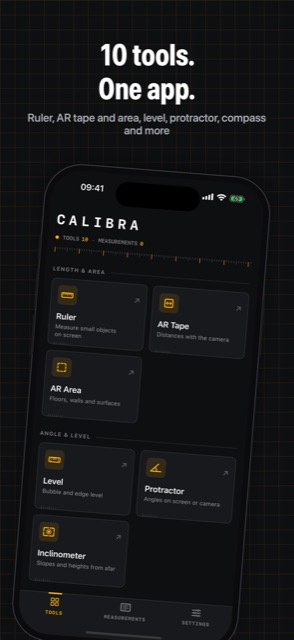
Ten precise measuring tools in one beautifully simple app: from an AR tape measure and bubble level to a metal detector and sound meter.
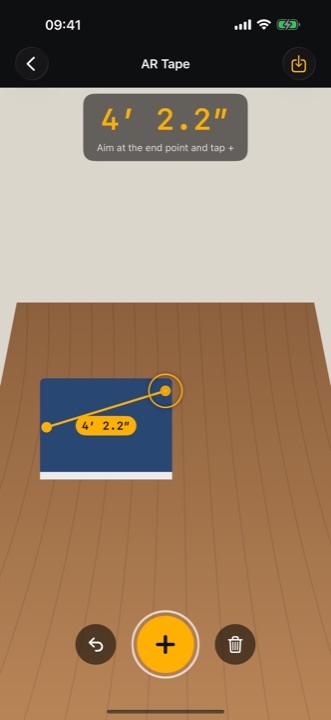
AR tape measure: multi-segment distances, sharper with LiDAR
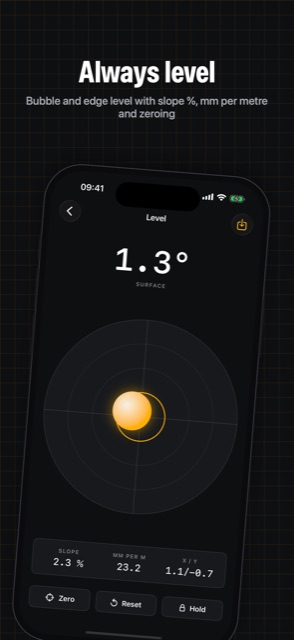
Bubble and edge level with slope %, mm per metre and zeroing
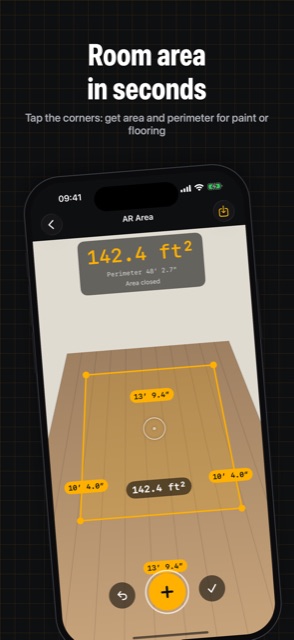
Tap the corners: get area and perimeter for paint or flooring
Ruler, AR tape and area, level, protractor, compass and more
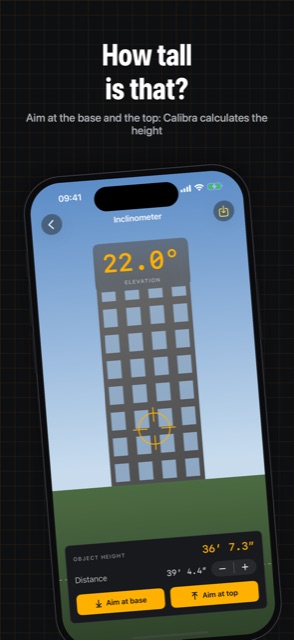
Aim at the base and the top: Calibra calculates the height
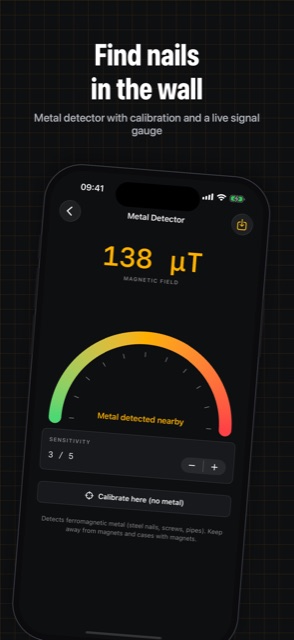
Metal detector with calibration and a live signal gauge
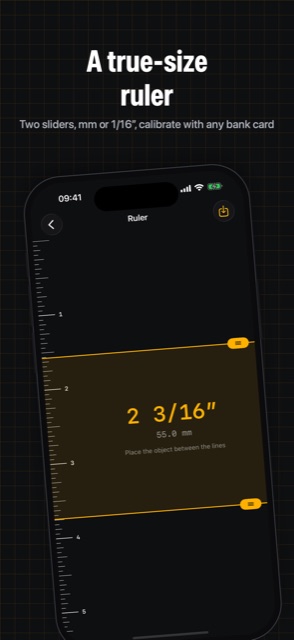
Two sliders, mm or 1/16″, calibrate with any bank card
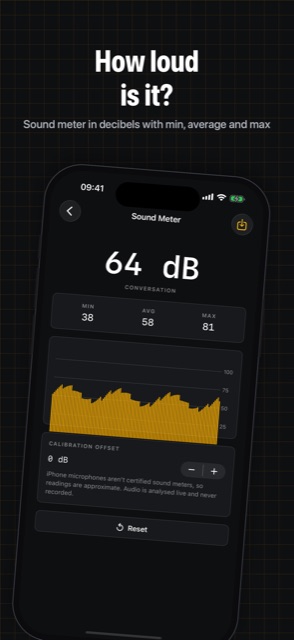
Sound meter in decibels with min, average and max
Open Settings → Remove ads in the App. It is a one-time purchase, ads are gone for good.
Go to Settings → Restore purchases in the App, signed in with the same Apple Account (on Android: Google Account) you used for the purchase.
In the App: Settings → Privacy choices. Tracking can also be managed in iOS: Settings → Privacy & Security → Tracking, and the advertising ID on Android: Settings → Privacy → Ads.
Only on your device: not on our servers. It moves to a new phone when you restore from an iCloud, Google or computer backup.
Refunds are handled by Apple: reportaproblem.apple.com. On Android: Google Play, Google Play refunds.
Write to us: we usually reply within a few days. Feature ideas are welcome too.