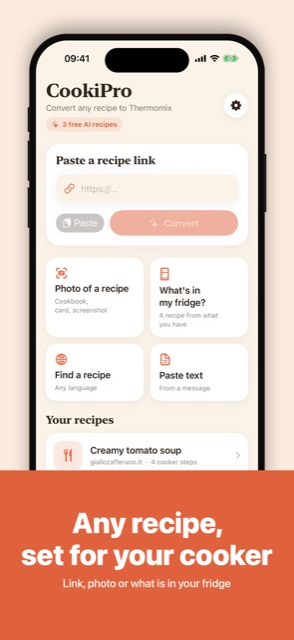
Any recipe, set for your cooker
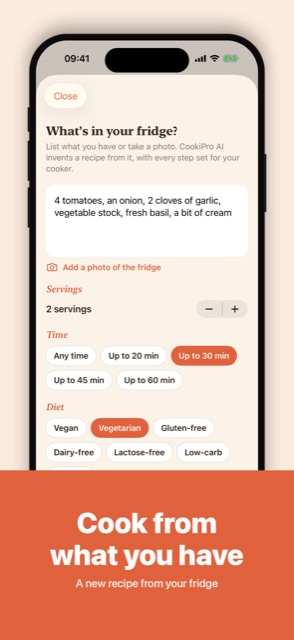
Link, photo or what is in your fridge
 iOS and Android app
AI recipes for Thermomix
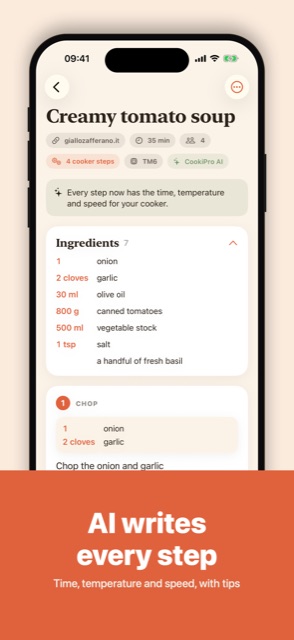
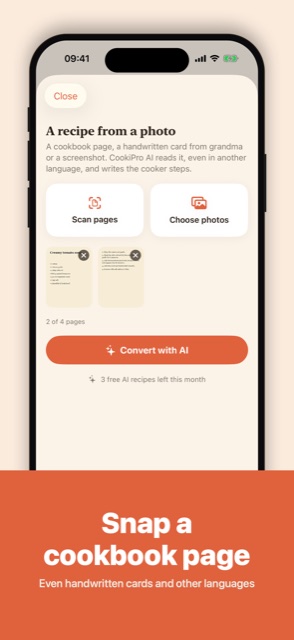
Any recipe link, cookbook photo or fridge becomes steps for your cooker, with time, temperature and speed. 3 AI recipes free every month.
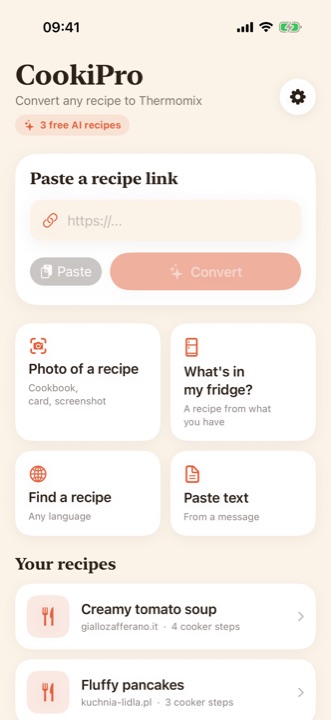
Link, photo or what is in your fridge
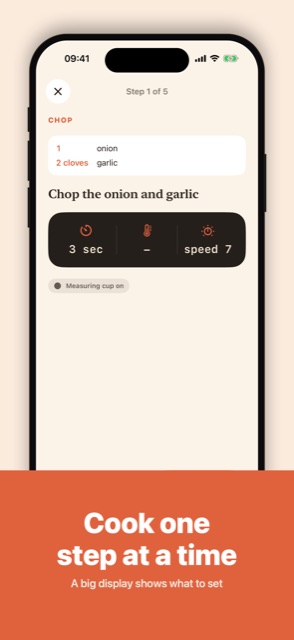
Time, temperature and speed, with tips
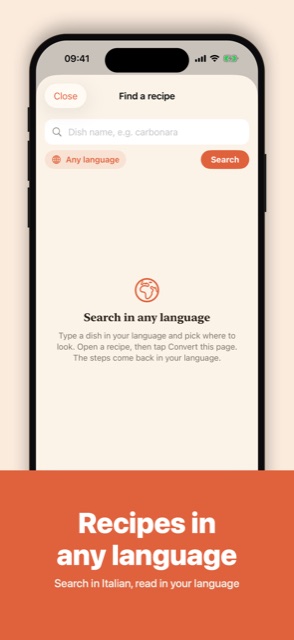
Even handwritten cards and other languages
A new recipe from your fridge
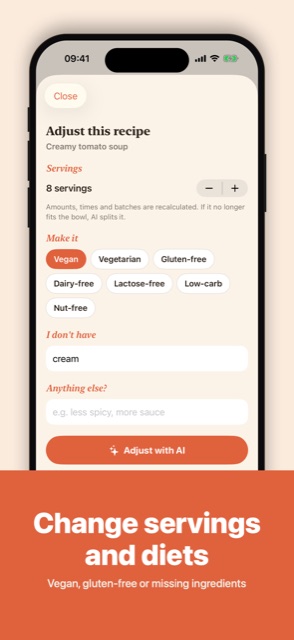
Vegan, gluten-free or missing ingredients
A big display shows what to set
Search in Italian, read in your language
Open Settings → Remove ads in the App. It is a one-time purchase, ads are gone for good.
Go to Settings → Restore purchases in the App, signed in with the same Apple Account (on Android: Google Account) you used for the purchase.
In the App: Settings → Privacy choices. Tracking can also be managed in iOS: Settings → Privacy & Security → Tracking, and the advertising ID on Android: Settings → Privacy → Ads.
Only on your device: not on our servers. It moves to a new phone when you restore from an iCloud, Google or computer backup.
Refunds are handled by Apple: reportaproblem.apple.com. On Android: Google Play, Google Play refunds.
Write to us: we usually reply within a few days. Feature ideas are welcome too.