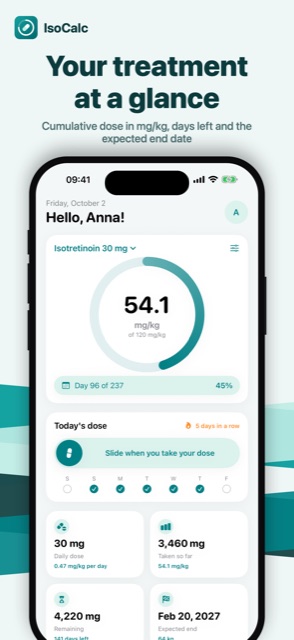
Your treatment at a glance
Cumulative dose in mg/kg, days left and the expected end date
 iOS and Android app
Dose in mg/kg, photos, alerts
Know exactly where your isotretinoin treatment stands: cumulative dose in mg/kg, expected end date, skin photo diary and reminders.
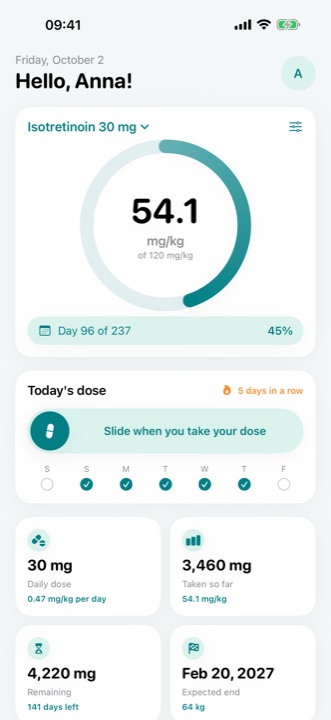
Cumulative dose in mg/kg, days left and the expected end date
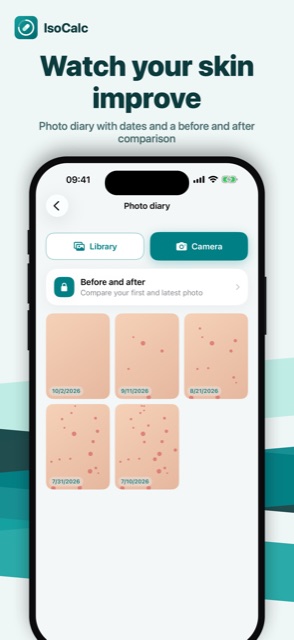
Photo diary with dates and a before and after comparison
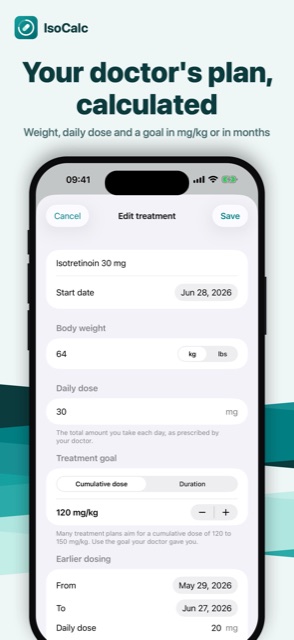
Weight, daily dose and a goal in mg/kg or in months
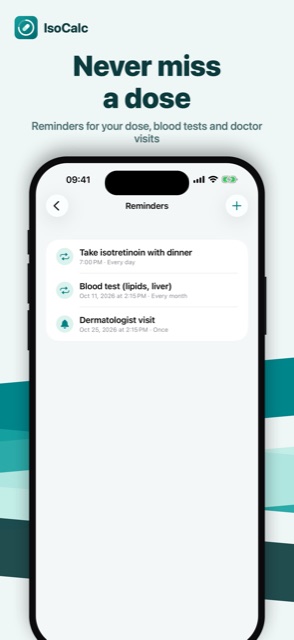
Reminders for your dose, blood tests and doctor visits
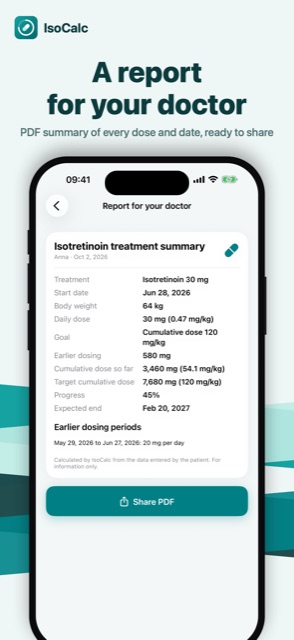
PDF summary of every dose and date, ready to share
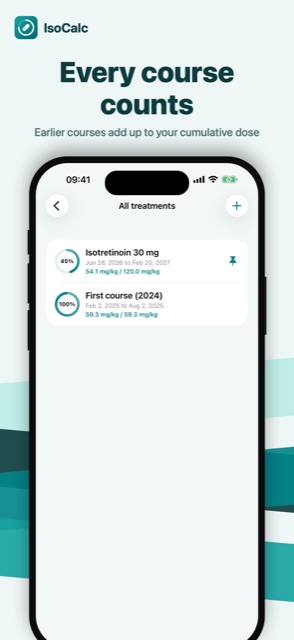
Earlier courses add up to your cumulative dose
Open Settings → Remove ads in the App. It is a one-time purchase, ads are gone for good.
Go to Settings → Restore purchases in the App, signed in with the same Apple Account (on Android: Google Account) you used for the purchase.
In the App: Settings → Privacy choices. Tracking can also be managed in iOS: Settings → Privacy & Security → Tracking, and the advertising ID on Android: Settings → Privacy → Ads.
Only on your device: not on our servers. It moves to a new phone when you restore from an iCloud, Google or computer backup.
Refunds are handled by Apple: reportaproblem.apple.com. On Android: Google Play, Google Play refunds.
Write to us: we usually reply within a few days. Feature ideas are welcome too.